
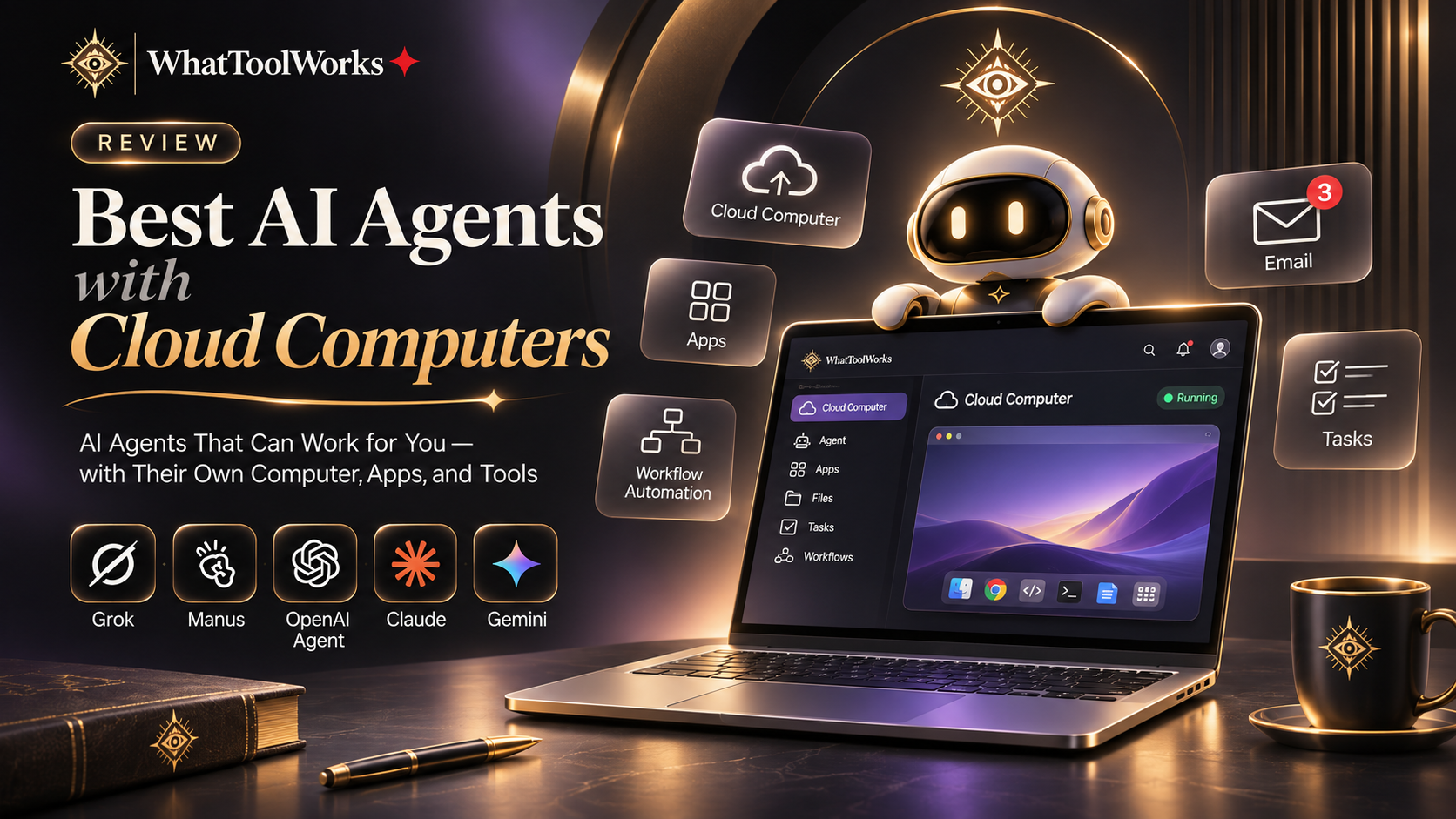
Best AI Agents with Cloud Computers in 2026: Grok Bot vs Manus vs OpenAI Dots
Compare Grok Bot, Manus, OpenAI Dots, Meta Muse, and Perplexity Computer for technical work, ongoing projects, research, and everyday assistance.
In this guide
Quick Answer
If you want an AI agent that can operate its own computer, browse websites, and complete real tasks, these are the products worth exploring:
- Grok Bot: Best for technical work, multiple AI agents, and persistent computer workflows.
- Manus: Best for cloud-based scripts, applications, and long-running automation.
- OpenAI Dots: Best for ongoing personal projects and connected applications.
- Meta Muse: Best for everyday assistance and personal tasks.
- Perplexity Computer: Best for research and complex multi-agent workflows.
They all bring AI closer to actually doing work, but they approach the problem differently.
What Makes an AI Agent with a Cloud Computer Different?
A traditional chatbot gives you answers. A cloud-computer agent can take those answers further by operating inside a remote working environment.
Depending on the platform, it can:
- Browse websites and interact with applications.
- Manage files and documents.
- Run scripts and command-line tools.
- Maintain working sessions between tasks.
- Execute tasks in the background.
- Coordinate multiple agents.
The key difference is persistence. Instead of starting from scratch every time, an agent can continue working with previously saved files, tools, and supported browser sessions.
1. Grok Bot — Best for Technical Work and Multi-Agent Collaboration
Grok Bot combines a persistent cloud computer with multiple specialized Bots. Each Bot can have its own responsibilities, while all Bots on the same account share the computer, files, and browser sessions.
Its main strengths include:
- Persistent Cloud Computer: A browser, filesystem, and terminal for real computer-based work.
- Multiple Bots: Separate agents for research, coding, marketing, and operations.
- X Search: Access to public X posts, profiles, discussions, and trends.
- Agent Email: A dedicated email address for supported registrations and email workflows.
- Application Integrations: Connect services such as Gmail, Google Drive, Slack, and Notion.
- Mobile Access: Assign tasks, review progress, and manage your cloud computer from your phone.
A particularly useful workflow is competitor research. One Bot can investigate competing products, another can organize pricing and feature comparisons, and a third can prepare a report.
Limitations: All Bots share one cloud computer, so they are not independent security environments. Heavy workloads can also consume the shared subscription allowance quickly.
Best for: Developers, founders, product managers, and people managing complex digital projects.
Official website: https://x.ai/bot
2. Manus — Best for Persistent Technical Automation
Manus Cloud Computer provides a persistent Ubuntu-based virtual machine where applications, files, scripts, and background processes can remain available between sessions.
It is particularly useful for:
- Running Python scripts.
- Hosting Telegram or Discord bots.
- Monitoring websites.
- Maintaining background processes.
- Managing reusable development environments.
Unlike a temporary browser session, the cloud computer can retain its working environment between tasks.
Limitations: It is more technical than a typical personal AI assistant, and cloud resources and subscription limits need to be considered.
Best for: Developers and users who need persistent cloud infrastructure.
Official website: https://manus.im/features/cloud-computer
3. OpenAI Dots — Best for Ongoing Personal Projects
OpenAI dots are always-on personal agents within ChatGPT. Each dot has its own cloud computer and can work with connected applications while maintaining context about ongoing projects.
Examples include preparing presentations, reviewing documents, organizing research, and following up on recurring tasks.
Dots can also use optional access to your local computer through the ChatGPT desktop app, subject to user permissions.
Limitations: Availability is still subject to rollout and account eligibility. Local computer access and connected applications require appropriate permissions.
Best for: Existing ChatGPT users who want an agent to keep making progress between conversations.
Official information: https://help.openai.com/en/articles/20001530-getting-started-with-your-dot
4. Meta Muse — Best for Everyday Personal Assistance
Meta Muse takes a more lifestyle-oriented approach. Its Muse Secure VM provides a persistent computer environment with a browser, allowing the agent to interact with supported websites and services.
Its main use cases include:
- Travel planning.
- Scheduling and appointments.
- Shopping research.
- Email assistance.
- Personal organization.
- Everyday online tasks.
Muse also supports conversational interaction through its app and supported WhatsApp experiences. Eligible users can access a limited free usage allowance, making it easier to try before subscribing.
Limitations: It is a newer product, and users should pay attention to privacy, permissions, and the reliability of actions involving personal accounts.
Best for: People who want an AI assistant focused on everyday life rather than technical development.
Official website: https://ai.meta.com/muse/
5. Perplexity Computer — Best for Research and Complex Workflows
Perplexity Computer uses multiple AI models and subagents to complete larger tasks involving research, analysis, and document creation.
It can:
- Research multiple websites.
- Compare products and services.
- Gather and organize information.
- Create spreadsheets and presentations.
- Work with connected applications.
- Execute supported background tasks.
For example, you can ask it to research a market, compare competitors, organize the findings, and prepare a final report.
Limitations: It is primarily a multi-agent cloud work environment, rather than a dedicated personal virtual machine for hosting your own scripts and services. Access depends on eligible subscriptions.
Best for: Researchers, analysts, and professionals handling complex information workflows.
Official website: https://www.perplexity.ai/computer
Quick Comparison
| Product | Main Strength | Best For |
|---|---|---|
| Grok Bot | Multi-agent technical execution | Developers and operators |
| Manus | Persistent cloud VM | Technical automation |
| OpenAI Dots | Ongoing personal projects | ChatGPT users |
| Meta Muse | Everyday assistance | Personal productivity |
| Perplexity Computer | Multi-agent research | Researchers |
How to Choose
The best option depends on the kind of work you want to delegate.
- Choose Grok Bot if you want multiple AI teammates working across websites, applications, and technical projects.
- Choose Manus if you need a reusable cloud environment for scripts and background services.
- Choose OpenAI Dots if you want an ongoing personal agent within ChatGPT.
- Choose Meta Muse if your priority is daily planning and personal assistance.
- Choose Perplexity Computer if you need extensive research and complex deliverables.
Before delegating important tasks, check permissions, usage limits, and approval requirements. Cloud agents can make mistakes, and sensitive actions should remain under human supervision.
Frequently Asked Questions
Which AI agent has its own computer?
Grok Bot, Manus Cloud Computer, OpenAI dots, and Meta Muse offer dedicated or persistent cloud-computing environments, although their implementations differ.
Can AI agents work when my laptop is closed?
Yes. Products that support cloud-based background execution can continue supported tasks independently of your local computer.
Which AI agent is best for coding?
Grok Bot and Manus are worth considering for cloud-based technical workflows. OpenAI Codex and Claude Code are also important coding agents, although they are not directly equivalent to a complete persistent cloud-computer platform.
Are cloud AI agents free?
Some offer limited free access or trials, while others require subscriptions. Usage limits and cloud-computing costs vary by provider.
Can multiple AI agents collaborate?
Yes. Grok Bot and Perplexity Computer are particularly interesting for workflows involving multiple specialized agents.
Official Sources
Last reviewed: November 22, 2026. Features and availability may change.