
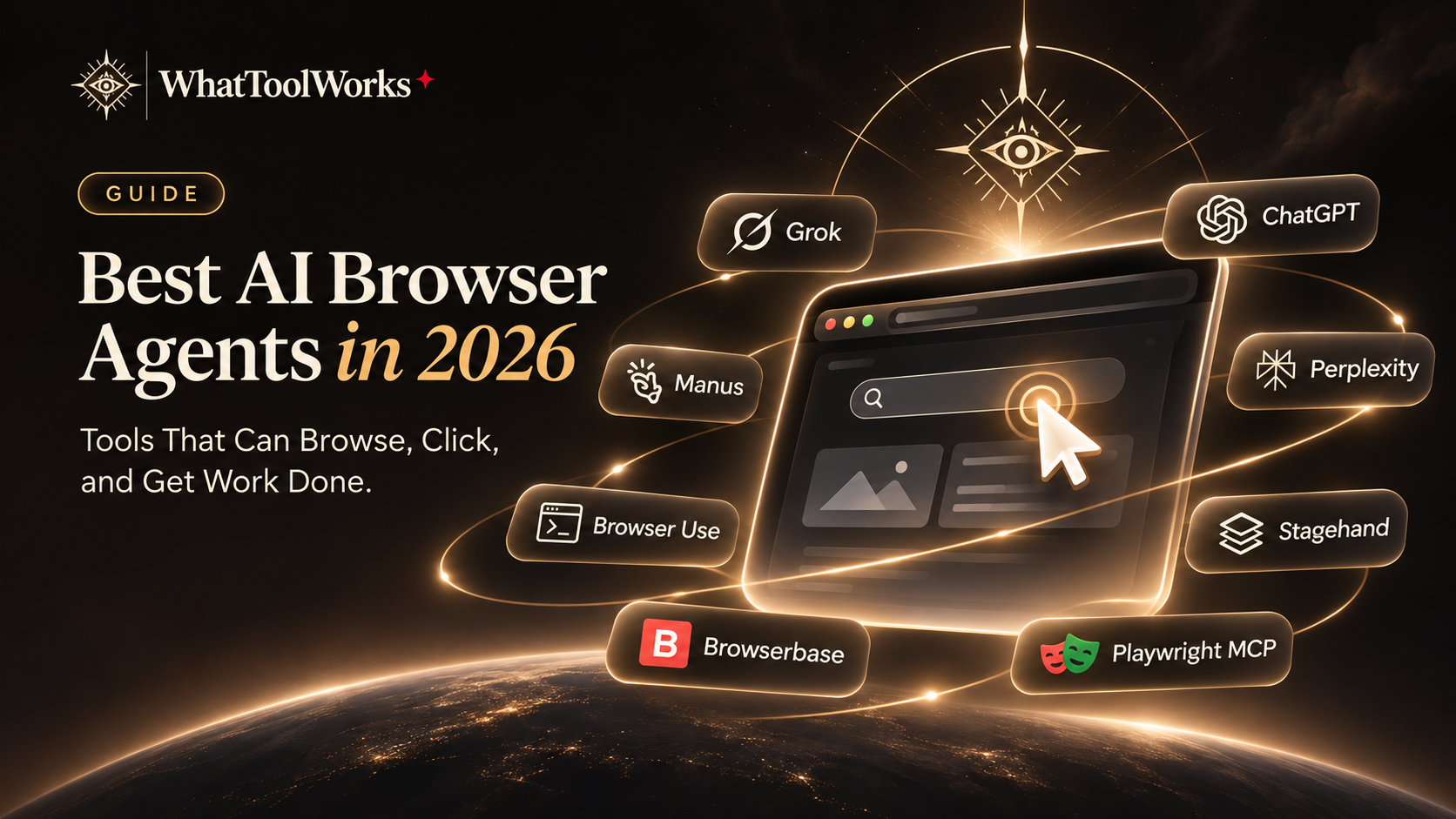
Best AI Browser Agents in 2026: Tools That Can Browse, Click, and Get Work Done
Compare eight AI browser agents, developer frameworks, and cloud browser services for research, ongoing projects, and automation.
In this guide
Quick Answer
Looking for an AI that can actually use a browser instead of simply telling you what to do?
These are some of the most interesting options:
- Grok Bot: Best for persistent browser workflows and multi-agent collaboration.
- Manus: Best for cloud-based research and automation.
- OpenAI Dots: Best for ongoing browser tasks within ChatGPT.
- Perplexity Computer: Best for complex research and multi-step workflows.
- Browser Use: Best open-source browser agent.
- Stagehand: Best for developers building AI browser automation.
- Browserbase: Best cloud browser infrastructure.
- Playwright MCP: Best for connecting browser automation to coding agents.
The important distinction is that some products are ready-to-use AI assistants, while others are development frameworks or browser infrastructure.
What Is an AI Browser Agent?
An AI browser agent can interact with websites and web applications to complete tasks. Instead of simply returning search results, it can navigate pages, click buttons, fill forms, extract information, and work through multi-step processes.
Common use cases include:
- Competitor research and price comparisons.
- Collecting information from multiple websites.
- Filling out supported online forms.
- Monitoring website changes.
- Testing web applications.
- Organizing information into spreadsheets and reports.
Some agents use persistent cloud computers, while others operate through temporary browser sessions or developer-controlled automation frameworks.
1. Grok Bot — Best for Persistent Browser Workflows
Grok Bot combines browser automation with a persistent cloud computer and multiple specialized Bots.
It can navigate websites, interact with supported applications, collect information, and save its work in a shared environment. Because browser sessions and files can persist between tasks, it is particularly useful for ongoing research and repetitive workflows.
Its main advantages include:
- Persistent browser sessions and files.
- Multiple specialized Bots.
- Public X search and social research.
- Dedicated Agent Email.
- Connected applications.
- Mobile task management.
- Background execution and reusable Routines.
For example, a Research Bot can investigate competitors and collect pricing information, while another Bot organizes the findings into a report. You can check the results from your phone without remaining at your computer.
Limitations: Bots share the same cloud computer, and complex tasks can consume significant usage allowances.
Official website: https://x.ai/bot
2. Manus — Best for Cloud-Based Browser Research
Manus combines browser-based research with a persistent cloud computer.
It can visit websites, collect information, organize files, and use scripts to process research results. Its persistent Ubuntu environment also makes it suitable for tasks that need to continue beyond a single browser session.
Useful applications include competitor monitoring, market research, recurring website checks, and information collection.
Limitations: Manus Cloud Computer is more technical than a simple browser assistant and requires attention to resource and subscription limits.
Official website: https://manus.im/features/cloud-computer
3. OpenAI Dots — Best for Ongoing Browser Tasks
OpenAI dots can work with websites, connected applications, and their own cloud computers while maintaining context about ongoing projects.
They are useful for research, document preparation, project tracking, and workflows that combine browser activity with services such as Google Drive and other connected applications.
Dots can also request user intervention when a task needs clarification or approval.
Limitations: Availability depends on the rollout and account eligibility. Connected applications and optional local-computer access require explicit permissions.
Official information: https://help.openai.com/en/articles/20001530-getting-started-with-your-dot
4. Perplexity Computer — Best for Multi-Step Research
Perplexity Computer uses multiple AI models and subagents to complete complex online workflows.
It can research websites, gather information, compare sources, organize results, and prepare deliverables such as spreadsheets and presentations.
Its main strength is coordinating several stages of work rather than simply automating individual browser clicks.
Limitations: It is a multi-agent cloud work environment, not a traditional browser automation framework or dedicated personal VM.
Official website: https://www.perplexity.ai/computer
5. Browser Use — Best Open-Source Browser Agent
Browser Use is an open-source project that allows AI models to interact with real browsers through Python and TypeScript.
Developers can use it to build agents that navigate websites, click elements, fill forms, extract information, and complete multi-step tasks.
It supports local development as well as hosted cloud-browser workflows.
Limitations: It requires technical setup, a compatible model, and appropriate automation safeguards.
Official website: https://browser-use.com/
6. Stagehand — Best for Building AI Browser Workflows
Stagehand is an open-source browser automation SDK from Browserbase.
It combines AI-driven browser actions with traditional code, giving developers more control over how automated workflows operate.
Its core capabilities include:
- Act: Perform browser actions using natural-language instructions.
- Extract: Retrieve structured information from web pages.
- Observe: Discover available page actions.
- Agent: Execute multi-step browser workflows.
The combination of AI flexibility and deterministic code can make browser automation easier to maintain and debug.
Limitations: Stagehand is a developer framework, not a ready-made personal AI assistant.
Official website: https://www.browserbase.com/stagehand/
7. Browserbase — Best Cloud Browser Infrastructure
Browserbase provides hosted browser infrastructure for teams building browser agents.
It offers remote browser sessions, session management, browser control, and integration with automation frameworks such as Stagehand.
Developers can use it to run browser tasks in the cloud without managing every browser environment themselves.
Limitations: Browserbase is infrastructure, not a complete AI agent. It needs to be combined with an agent framework or application.
Official website: https://www.browserbase.com/
8. Playwright MCP — Best for AI Coding Agents
Playwright MCP connects browser automation to AI agents through the Model Context Protocol.
It allows compatible assistants to navigate websites, inspect page elements, click buttons, fill forms, and perform browser-based tests.
It is particularly useful when a coding agent needs to inspect a website, reproduce a bug, or verify that a web application behaves correctly.
Limitations: Playwright MCP is a browser-control interface, not an independent AI assistant. It requires a compatible MCP client.
Official documentation: https://playwright.dev/mcp/introduction
AI Browser Agents Compared
| Product | Type | Best For |
|---|---|---|
| Grok Bot | AI agent | Persistent browser workflows |
| Manus | AI agent | Cloud research and automation |
| OpenAI Dots | Personal AI agent | Ongoing projects |
| Perplexity Computer | Multi-agent platform | Research and deliverables |
| Browser Use | Open-source agent | Custom browser automation |
| Stagehand | Browser SDK | AI-driven web workflows |
| Browserbase | Cloud infrastructure | Hosted browser sessions |
| Playwright MCP | Browser interface | AI coding agents |
What Can AI Browser Agents Do?
Browser agents are useful when a task requires several actions across different websites. Some of the most practical applications include:
Competitor Research: Visit competitor websites, compare pricing, collect product information, and prepare structured reports.
Data Collection: Gather public information from multiple sources and organize it into spreadsheets or databases.
Website Monitoring: Check important pages regularly and report changes.
Online Administration: Help manage supported forms, services, and account workflows, subject to permissions and human verification.
Development and Testing: Inspect websites, reproduce bugs, fill forms, and verify user journeys.
The real value comes from combining browser automation with other tools. A research agent, for example, becomes much more useful when it can save information to a spreadsheet and automatically prepare a report.
How to Choose the Right AI Browser Agent
- Choose Grok Bot for persistent cloud-computer work and multiple specialized Bots.
- Choose Manus for cloud-based research and technical automation.
- Choose OpenAI Dots for ongoing projects inside ChatGPT.
- Choose Perplexity Computer for complex research workflows.
- Choose Browser Use if you want to build your own open-source browser agent.
- Choose Stagehand if you need a flexible developer SDK.
- Choose Browserbase if you need hosted browser infrastructure.
- Choose Playwright MCP if you want an AI coding agent to control a browser.
Before deploying an agent, review its permissions, logging, security controls, and website restrictions. CAPTCHA, passkeys, purchases, account changes, and sensitive submissions may require human involvement.
Final Verdict
AI browser agents are moving beyond simple search and automation. They can increasingly navigate real websites, interact with applications, collect information, and complete multi-step tasks.
For general users, Grok Bot, Manus, OpenAI Dots, and Perplexity Computer offer ready-to-use ways to delegate browser work. For developers, Browser Use, Stagehand, Browserbase, and Playwright MCP provide more control over how browser automation is built and deployed.
The best choice depends on whether you want a ready-made AI assistant or the building blocks to create your own automation system.
Frequently Asked Questions
What is the best AI browser agent?
Grok Bot is worth considering for persistent browser workflows, Perplexity Computer for research, and Browser Use for custom open-source automation.
Can AI browser agents click and fill out forms?
Yes. Supported agents can navigate pages, interact with elements, and fill forms. Sensitive operations and human verification may still require user intervention.
Is Browserbase an AI agent?
No. It provides cloud browser infrastructure that developers can use with frameworks such as Stagehand.
Can browser agents run in the background?
Some can. Cloud-based agents can continue supported tasks without requiring your local browser to remain open.
Are AI browser agents useful for businesses?
Yes. They can help with competitor research, data collection, website monitoring, and repetitive administrative tasks, provided that permissions and approval controls are properly configured.
Official Sources & Documentation
- Grok Bot
- Manus Cloud Computer
- OpenAI Dots
- Meta Muse
- Perplexity Computer
- Browser Use
- Stagehand
- Browserbase
- Playwright MCP
Last reviewed: November 22, 2026. Product features and availability may change.